Brochure · Tri-Fold Layout
Image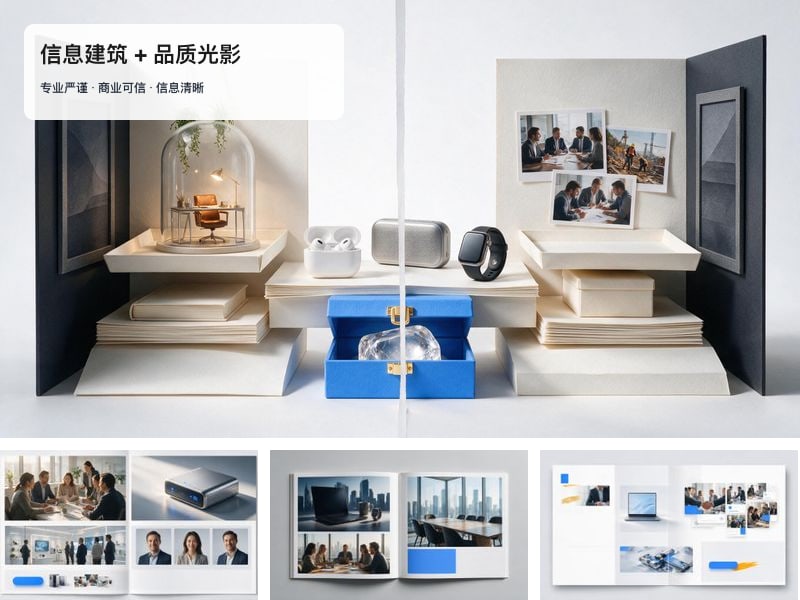
What this prompt does
One flat design view of a tri-fold brochure showing its three outer panels — front cover, back cover and side flap — as a print-grade layout with a strict grid and clearly zoned image and text areas.
- Give the front cover one visual subject plus a large headline area.
- Keep the information hierarchy to three levels at most.
- Keep image zones and text zones clearly separated: mark text zones with grey blocks and render no fake text.
- Limit the palette to two primary colors at most, plus neutrals.
- Supply the brand or product material and the promotion goal before generating.
- Front cover panel: one visual subject plus a large headline area.
- Back cover panel, built on the same print grid.
- Side flap panel, completing the three outer faces of the fold.
- Grey placeholder blocks standing in for every text zone.
16:9 landscape image presenting the three panels side by side, paper texture, strict edge alignment, no real text (layout mockup only).
Cost estimate
At Seedream 5's published rate of $0.068/image, one image is ≈ $0.07 (re-runs not included).
Rates are the Starter tier figures from the pricing page and vary slightly by tier; the credit prompt shown before each generation is authoritative.
FAQ
What do I need to upload?
Nothing. This template runs without uploads.
Can I use the output commercially?
Yes. What you generate on Tovaki is yours to use commercially at no extra charge, subject to each model provider's content policy.
Can I switch models?
Yes. The template recommends GPT Image 2 Auto, and once you are in the canvas every shot can be re-run on a different model.