Make videos with AI
Generate shots, arrange them, and export your video.
Any subject, any genre
Say the camera move in the prompt and you get it.
Take a video apart
Shots, images, and dialogue on one timeline. Search an existing analysis to find the moment you need.
- Open an existing analysis.
- Search for a word to find matching shots.
- Browse by time or editing priority.
See what it can shoot
Light behaves like light
No lighting rig needed for backlight or god rays, and skin still reads as skin.
Camera moves are just prompts
Say how the camera should move — top-down or orbit — and it moves that way.
Not only live action
The same canvas goes from 2D animation to stop-motion to concept art.
One frame leads to another
Take a moment out of a video and keep creating. Open frame extraction, find the time, and confirm.
- Select the video and open frame extraction.
- Move the slider to 2.1 seconds.
- Extract the frame and see the confirmation.
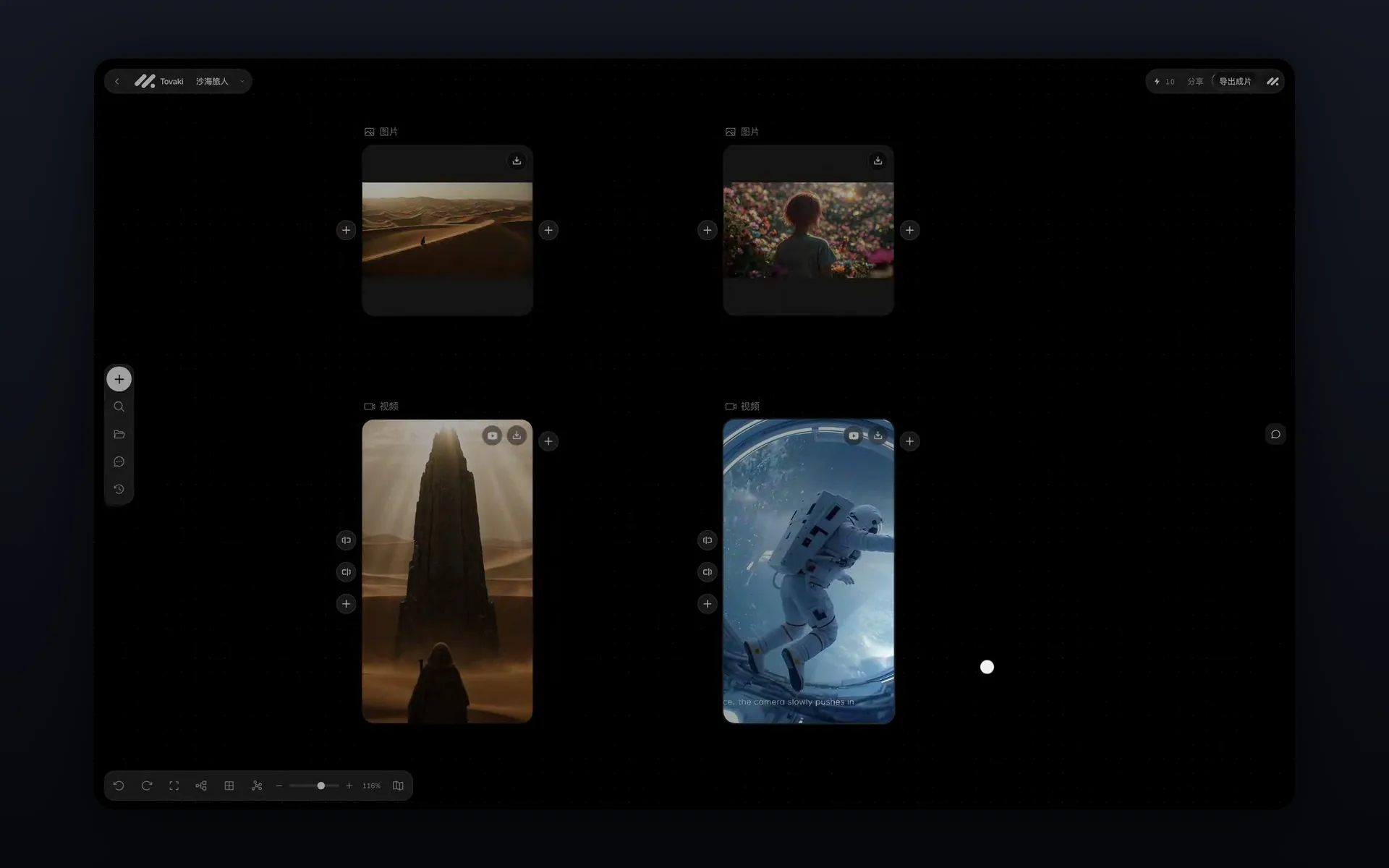
Bring your shots together
Video and subtitles share a timeline. Select a clip and move it to a new position to see the order change.
- Select the second clip.
- Drag it to the end.
- The shot and its subtitles move together.
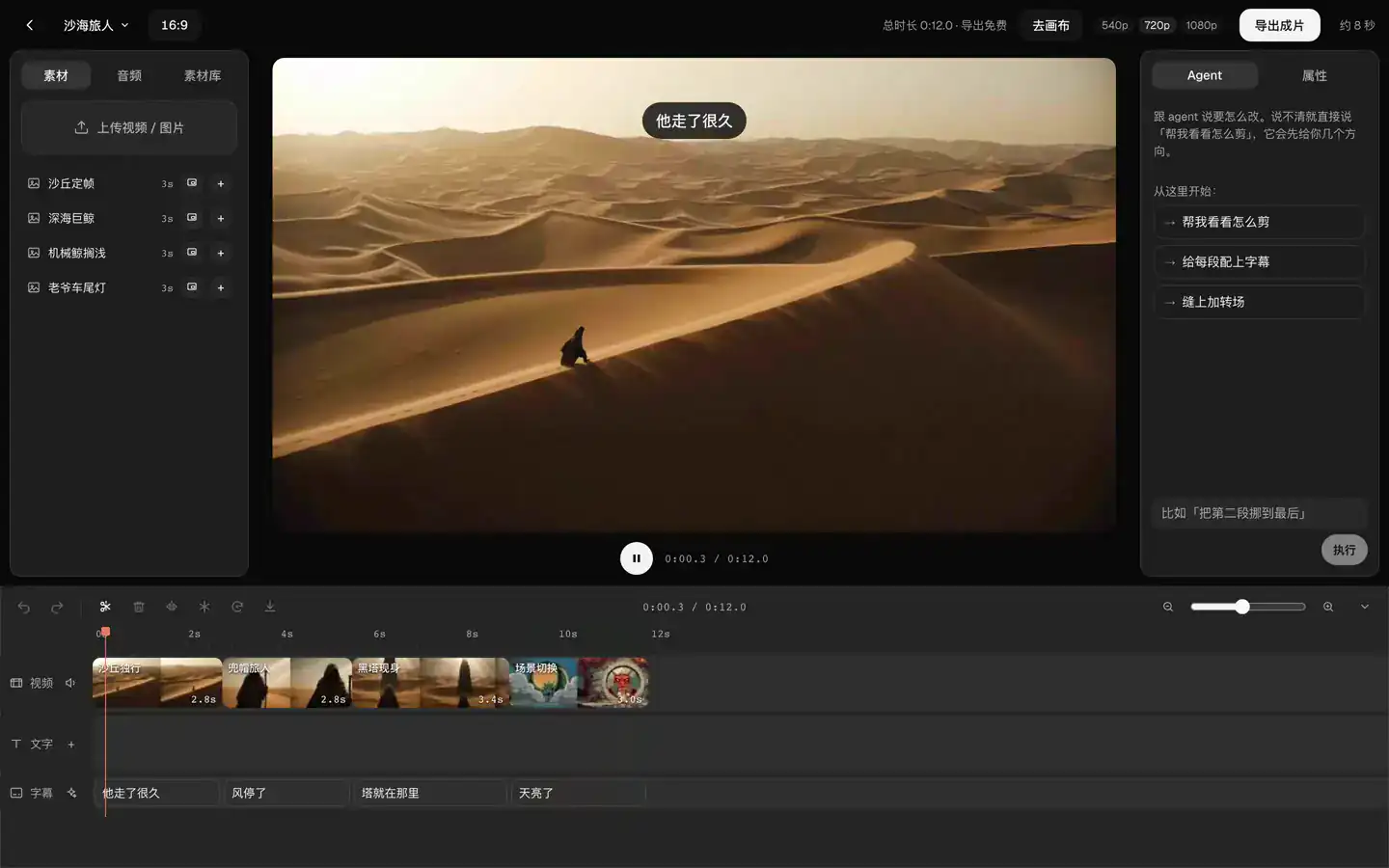
Let your agent take it further
Connect Claude Code or Cursor to the same canvas. Read the cards, then arrange them. Confirm actions that cost credits inside Tovaki.
- Ask the agent to read the canvas.
- Give an instruction to arrange the cards.
- Four cards line up in one row.
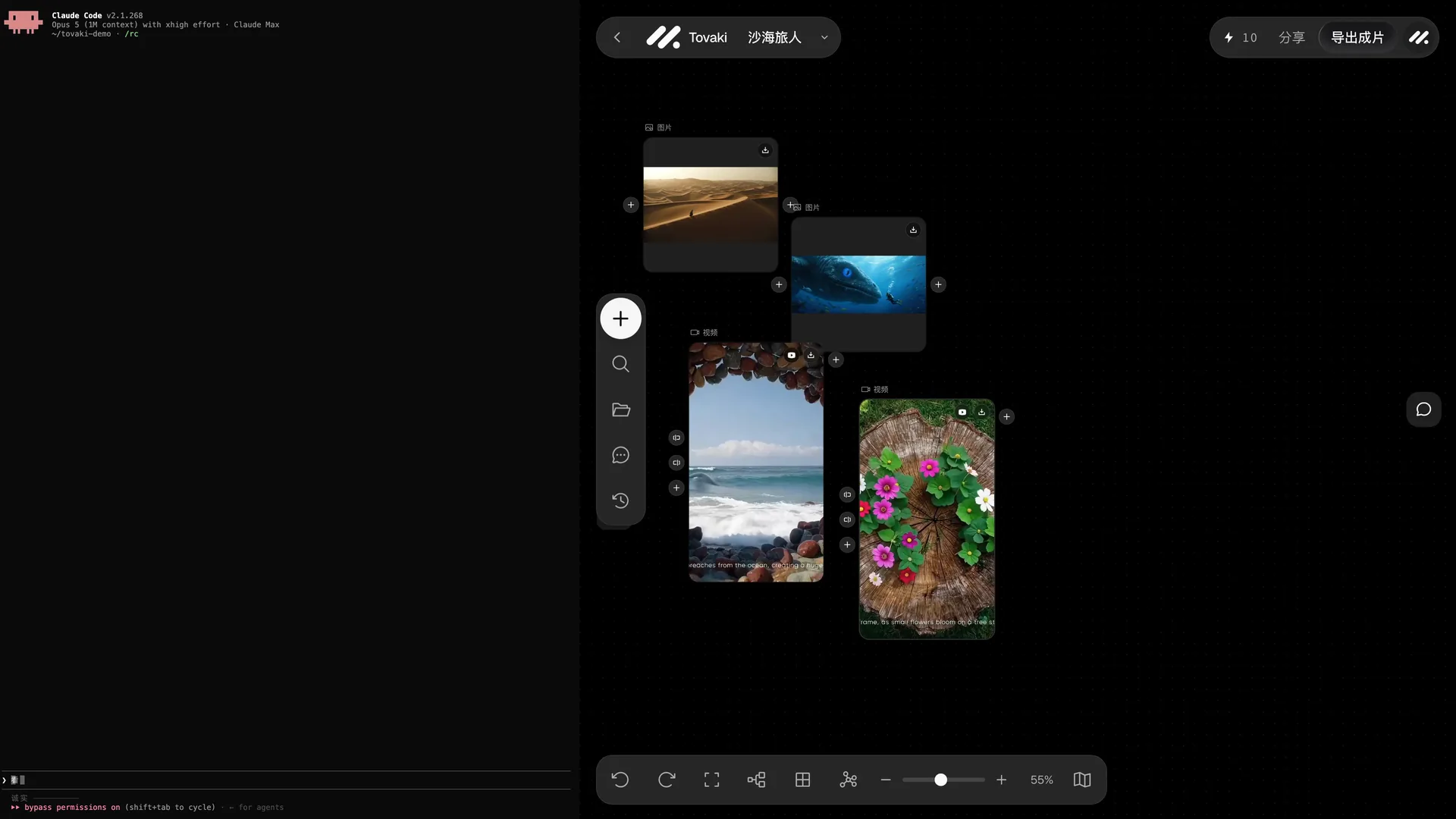
See what these models produce
The shots below come from the model vendors' own demos.
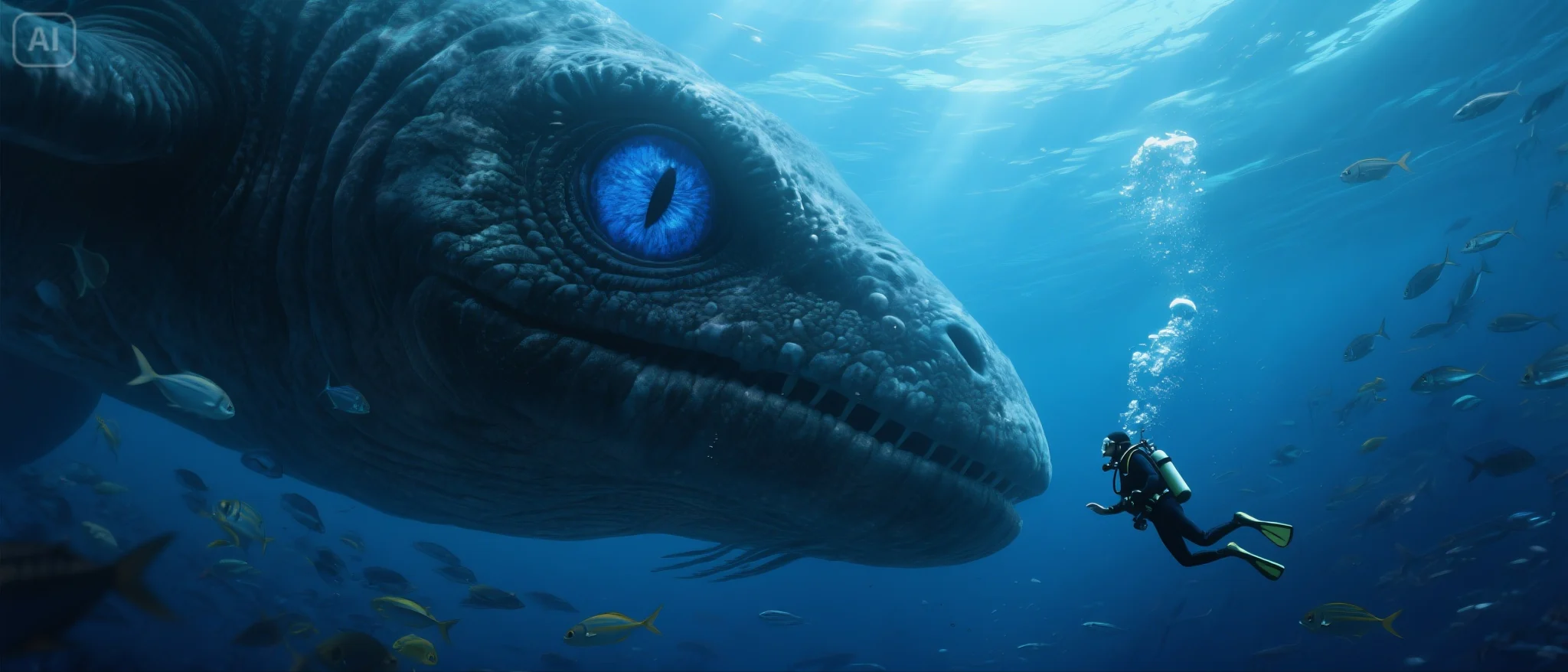
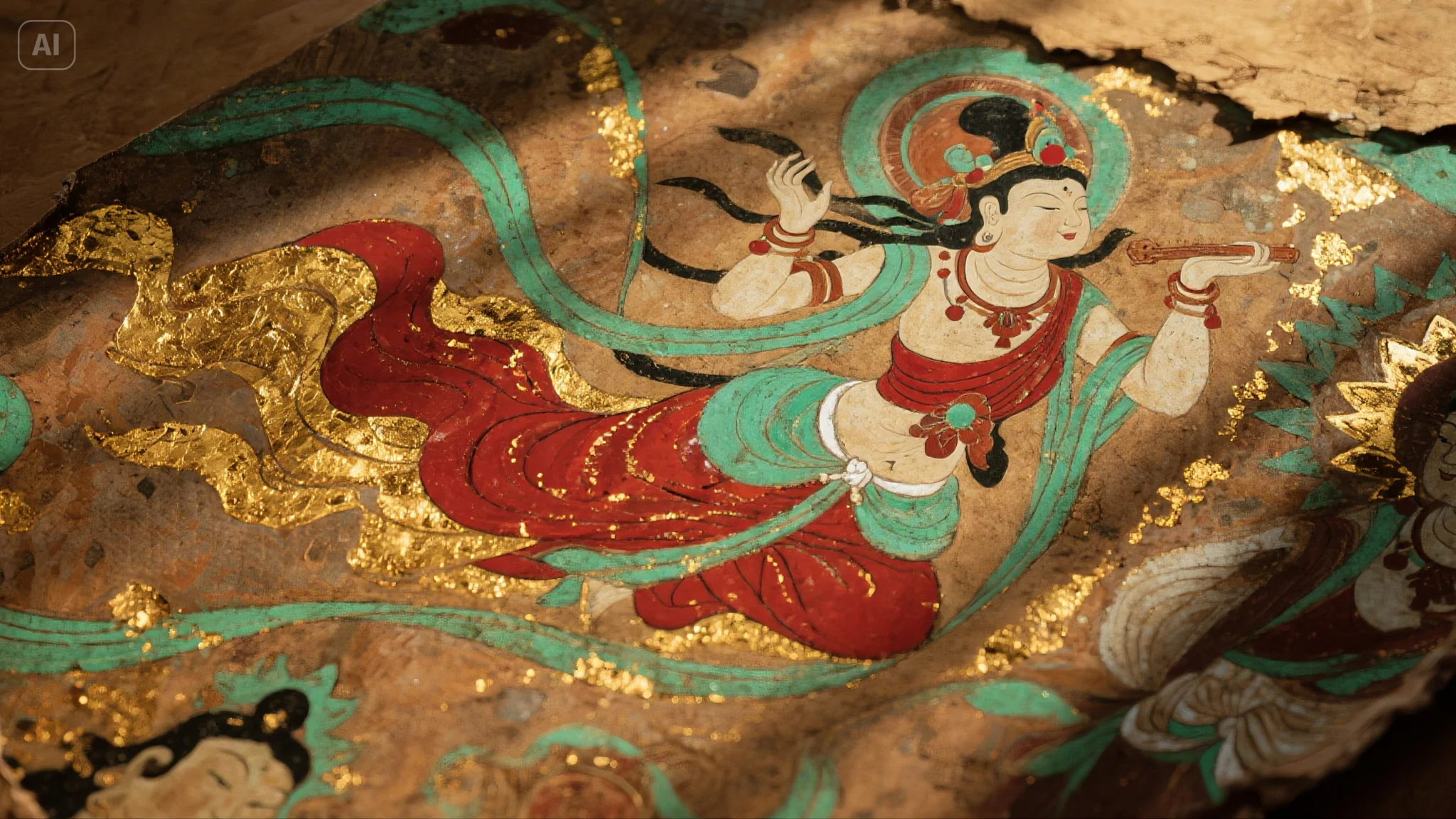
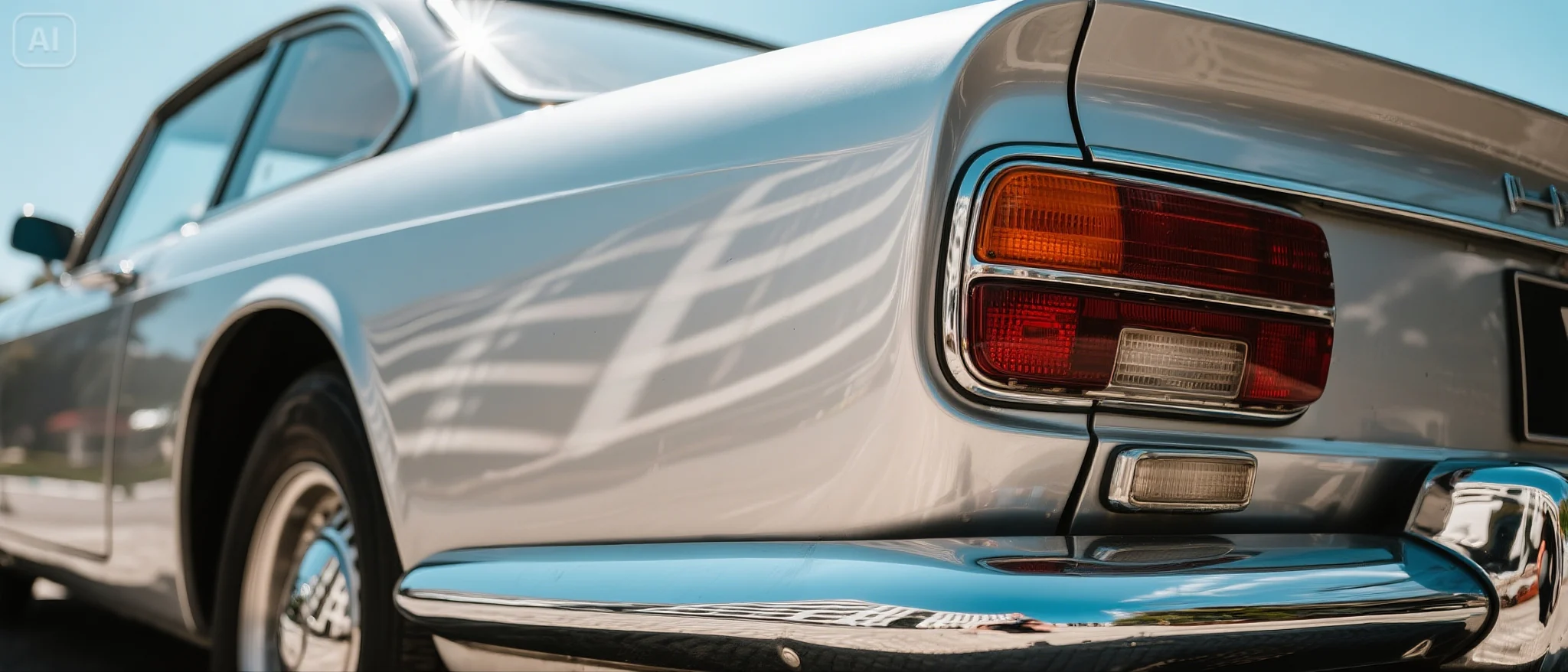
- 18 video models
- 10 image models
- 1 3D model
- Seedance
- Kling
- Wan
- Veo
- MiniMax H3
- Hailuo
- GPT Image
- Nano Banana
- Flux Schnell
- Seedream
- Seed3D
More than a canvas and a generate button
From taking apart someone else's video to publishing your own, every step lives in one account.
Director canvas
Say an idea; the AI director breaks it into shots. Generate and revise each shot on its own.
Video breakdown
Paste a YouTube or TikTok link, or upload a file: shots, dialogue, which part is worth cutting, plus remake prompts.
Editor
Canvas media goes straight onto a timeline: trim, reorder, captions, music. Export a cut, or XML for your editing app.
Short-drama workbench
Bring a script; characters and scenes are pulled out for you, then each episode is generated shot by shot.
POD Studio
Cut out products, try them on a model, edit a region, upscale — a whole set at once.
Publish to YouTube
Post a finished cut to your channel from the canvas, with the title and description drafted for you.
Templates and skills
E-commerce outfit swaps, product sets, brand films — open one and the shots come with the settings filled in.
MCP connection
One command adds Tovaki to Claude Code or Cursor; your agent can read the canvas and issue instructions.
Every model in one place
Video, image, voice, music and 3D models, switched as needed; the credit cost shows before you generate.