Lifestyle Scene · Product in Context
Image
What this prompt does
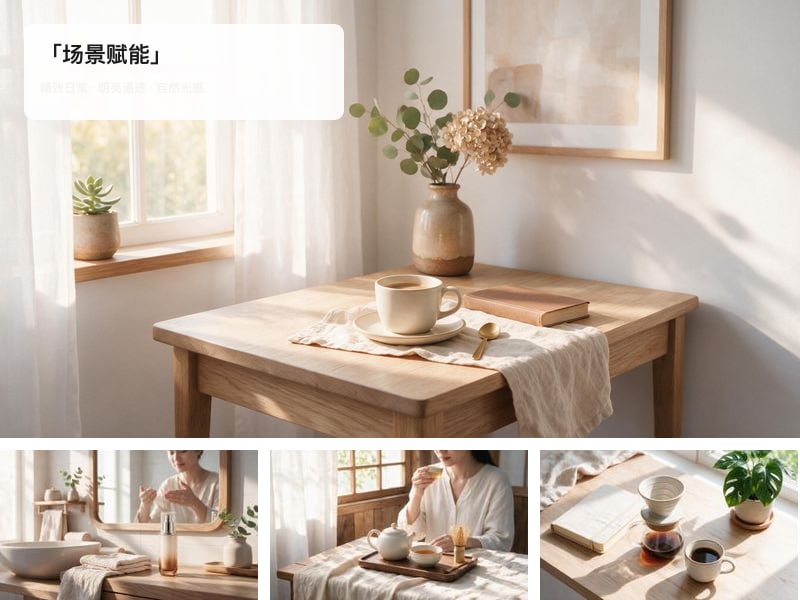
Produces one square lifestyle image: the uploaded product placed naturally into a bright everyday setting, rendered as real photography.
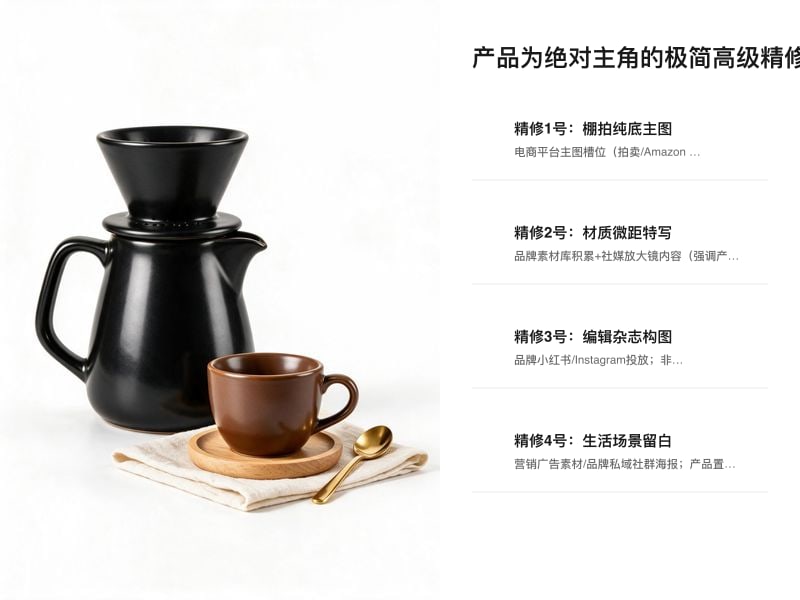
- Keep the product identical to the uploaded photo and make it the main subject of the frame.
- Blend the scene's soft daylight with the product's own light and shadow so the two read as one shot.
- Keep the product at true-to-life scale, with no distortion.
- Keep the setting clean so it does not compete with the product.
- Drag the product photo onto the canvas and select it before generating.
- The uploaded product, sitting naturally inside the setting and reading as the subject of the frame.
- One bright everyday setting chosen to suit the product category: a light-wood living room, a morning breakfast table, or a desk by a window.
- Soft daylight falling across both the setting and the product.
1:1 square image, real photographic texture, no text or watermarks.
Cost estimate
At Seedream 5's published rate of $0.068/image, one image is ≈ $0.07 (re-runs not included).
Rates are the Starter tier figures from the pricing page and vary slightly by tier; the credit prompt shown before each generation is authoritative.
FAQ
What do I need to upload?
Product photo. You can also generate first and swap your own material in afterwards.
Can I use the output commercially?
Yes. What you generate on Tovaki is yours to use commercially at no extra charge, subject to each model provider's content policy.
Can I switch models?
Yes. The template recommends Nano Banana 2, and once you are in the canvas every shot can be re-run on a different model.